Can’t Delete Blank Page in Word? How to Delete It?
The issue of an undeletable blank page in Word documents usually occurs due to hidden formatting elements. These include paragraph marks, page breaks, section breaks,…

The issue of an undeletable blank page in Word documents usually occurs due to hidden formatting elements. These include paragraph marks, page breaks, section breaks,…

Adding a picture watermark in Microsoft Word is a way to enhance the appearance and identity of your documents that can display logos, symbols, or…
If you are struggling because the watermark refuses to go away, then hopefully the watermark is inserted through headers, background images, shapes, or section formatting….
If you regularly use Microsoft Word and Microsoft Excel, you may have encountered the frustrating message: “Sorry, we couldn’t find your file. Was it moved,…
If you regularly work with reports, assignments, invoices, or business documents, you probably deal with multiple Microsoft Word documents every day. Printing them one by…
Mail merge in Word allows you to combine a main document with a data source, usually an Excel file. The main document contains the standard…
Connecting Word to an Excel spreadsheet means creating a link between the two files so that data from Excel appears inside Word and updates when…
![Word Can't Delete Empty Pages [Fix!]](https://gadgetsnurture.com/wp-content/uploads/2026/02/Word-Cant-Delete-Empty-Pages-Fix.jpg)
Word does not create blank pages randomly. Every page exists because something is forcing it to exist, even if that something is invisible at first…
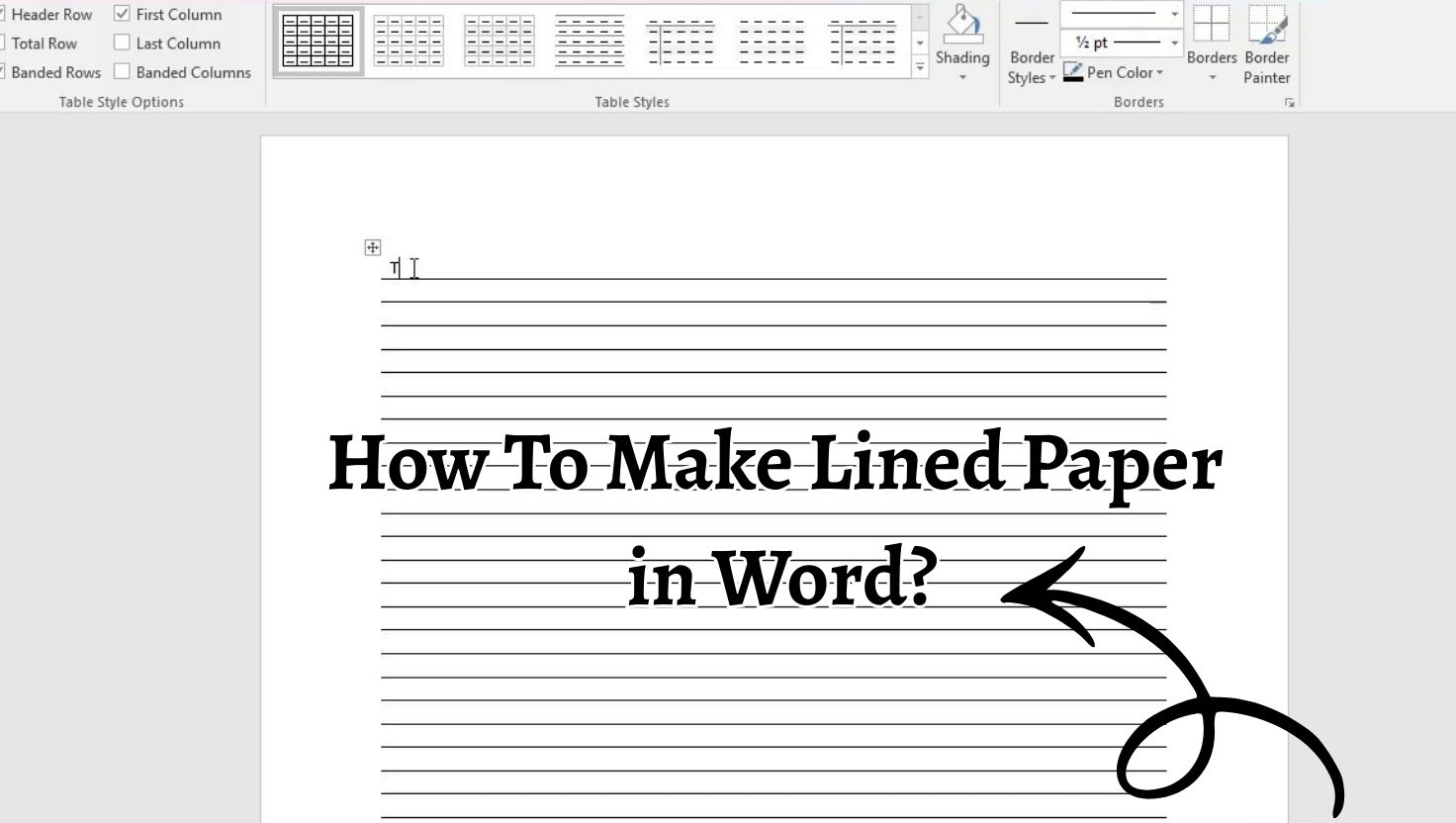
Microsoft Word does not include a direct button labeled lined paper, but it provides flexible formatting tools that make it easy to recreate the same…
![Shapes Tool in Word Not Working [Fix]](https://gadgetsnurture.com/wp-content/uploads/2026/02/Shapes-Tool-in-Word-Not-Working-Fix.jpg)
The Shapes feature relies on Word’s drawing canvas, graphics engine, and document layout settings. If any of these are restricted or malfunctioning, the tool may…
Adding a Signature Line in Microsoft Word is a simple yet powerful way to make documents look professional and legally complete. A Signature Line in…
If you cannot type in Microsoft Word, the issue is often related to document protection, activation problems, add-ins conflicts, view modes, keyboard settings, or corrupted…
Microsoft Word offers several smart typing shortcuts that help users write faster and more professionally. One such feature is the em dash shortcut, which usually…
AutoCorrect fixes common typing errors, replaces shortcuts with full text, and corrects capitalization issues. AutoFormat as You Type automatically applies formatting like numbered lists, smart…
AutoCorrect focuses on fixing typing mistakes automatically. It corrects common spelling errors, capitalizes the first letter of sentences, and replaces predefined shortcuts with full words…