How to Automate Copilot Prompts? Step-By-Step Guide
Automating Copilot prompts involves creating reusable instructions or workflows that trigger predefined responses or actions automatically. This can be done using tools like Power Automate,…


Automating Copilot prompts involves creating reusable instructions or workflows that trigger predefined responses or actions automatically. This can be done using tools like Power Automate,…
When you add Microsoft Power Automate to Teams, you can automate approvals, notifications, reminders, file management, and many other processes without leaving your workspace. This…
In this post, we will learn the top 5 methods to capture your screen in Windows 11. Capturing your screen in Windows 11 is a…
Trying to capture your Windows 11 screen, but the Snipping Tool is not working? The Snipping Tool may stop working due to several reasons. Sometimes…
Many Windows users rely on Windows Defender, also known as Microsoft Defender Antivirus, to keep their systems protected from malware, spyware, and other security threats….
Windows Defender is the default antivirus protection provided by Microsoft. In most cases, it runs automatically when no other antivirus is installed. However, it may…

Windows Subsystem for Linux, commonly known as WSL, is a powerful feature in Windows that allows users to run a Linux environment directly on their…
Microsoft Family Safety is linked to a Microsoft family group, not just a single device. If supervision is enabled for a child account, simply turning…
The Windows Subsystem for Linux (WSL) is one of the most powerful features, allowing you to run a real Linux environment directly inside Windows, without…
![How to Run System File Checker (SFC) in Windows 11 [Steps]](https://gadgetsnurture.com/wp-content/uploads/2026/02/How-to-Run-System-File-Checker-SFC-in-Windows-11-Steps.jpg)
Unexpected shutdowns, failed updates, malware infections, or third-party software can damage essential system files. When these files become missing or corrupted, you may notice issues…
DISM stands for Deployment Image Servicing and Management, and it is a powerful built-in Windows utility used to scan and repair the Windows system image…
Updating mouse drivers in Windows 11 and Windows 10 is essential for smooth performance and system stability. A device driver is a bridge between the…
Windows allows you to automate Recycle Bin cleanup mainly through Storage Sense and Task Scheduler. Storage Sense is the easiest and safest option for most…
Changing SATA mode without proper planning can result in a boot loop or blue screen error, especially on Windows 10 and Windows 11. The operating…
A factory reset reinstalls Windows and removes installed applications, drivers, and system changes. Depending on the option you choose, it may also delete personal files….
Windows provides a safety net called the Trash Bin, commonly known as the Recycle Bin, which temporarily stores deleted items and allows users to restore…
Reinstalling Windows 10 means installing the operating system again on your computer, either by keeping your personal files or by completely wiping everything for a…
When you press the delete key on a file, Windows usually moves it to the Recycle Bin instead of erasing it instantly. The file remains…
The Recycle Bin or Trashcan is one of the most important safety features in Windows. Files may skip the Recycle Bin if they are too…
The Trashcan, officially known as the Recycle Bin, is one of the most essential components of the Windows operating system. In Windows 11, Microsoft redesigned…
Finding downloads on Windows 11 is simple once you understand how the operating system organizes files. Windows 11 uses a default Downloads folder, but files…
Syncing creates a special OneDrive folder on your PC. Any file placed in this folder uploads to the cloud, and any file stored in the…
File synchronization between Windows and Mac involves creating a connection through cloud services, network sharing, or dedicated sync software. The goal is to ensure that…
Syncing means making sure the same files and folders are updated and available across more than one device. For example, if you edit a photo…
Windows Hello is one of the most convenient security features in Windows 11. It allows you to sign in using facial recognition, fingerprints, or a…
Windows Hello works as part of the Windows 11 sign-in system. Before you can enable face or fingerprint sign-in, Windows requires you to create a…
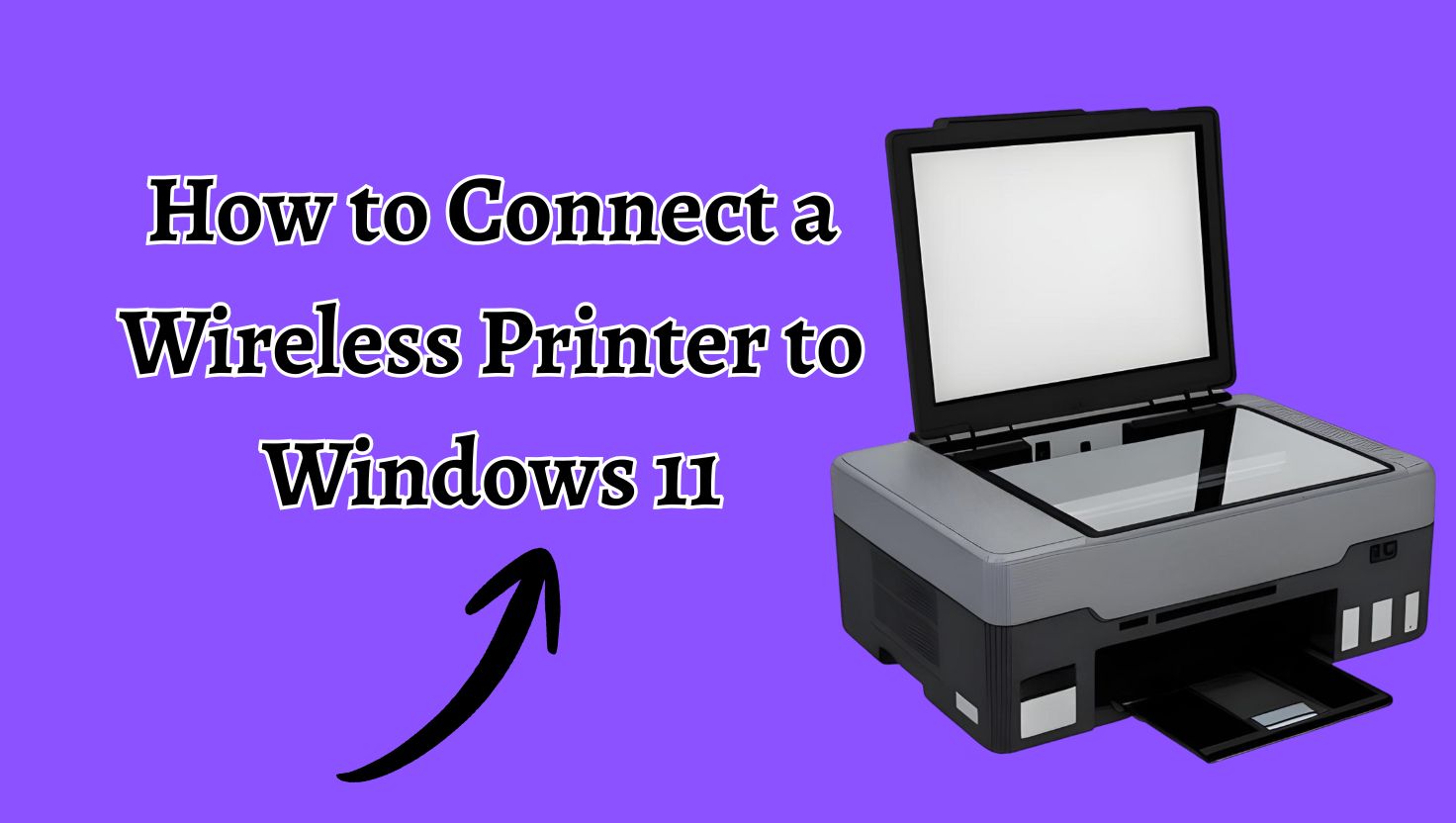
Wireless printers have become the standard choice for homes and offices because they remove cable clutter and allow printing from anywhere on the same network….
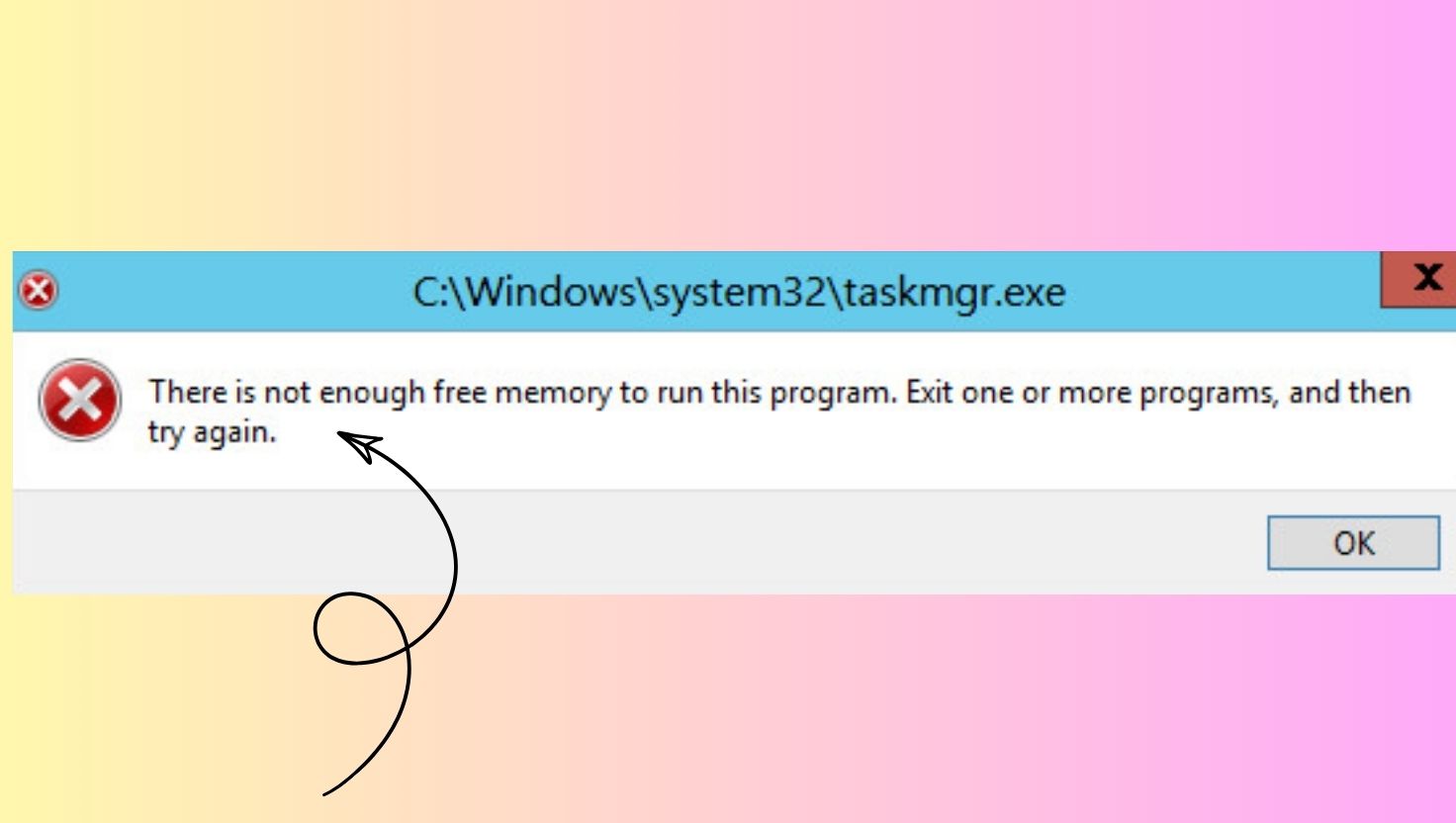
The error message There is not enough free memory to run this program is one of the most frustrating issues Windows users face, especially when…
If you have ever opened Task Manager on your Windows computer, you may have noticed a tab called Startup. Inside that tab, you will see…
Windows Speech Recognition is an accessibility feature that allows users to control their computer and dictate text using voice commands. Although it can be helpful,…
When a Windows 11 PC or laptop becomes stuck at the Welcome screen, it creates the impression that the system has completely stopped responding. You…
Setting a lock screen password on Windows 11 or Windows 10 is one of the most basic yet important steps you can take to protect…
![Lock Your Computer Screen [Windows 1110]](https://gadgetsnurture.com/wp-content/uploads/2026/01/Lock-Your-Computer-Screen-Windows-1110.jpg)
Locking your computer screen means securing your current session so that no one can access your desktop, apps, or files without your password, PIN, or…
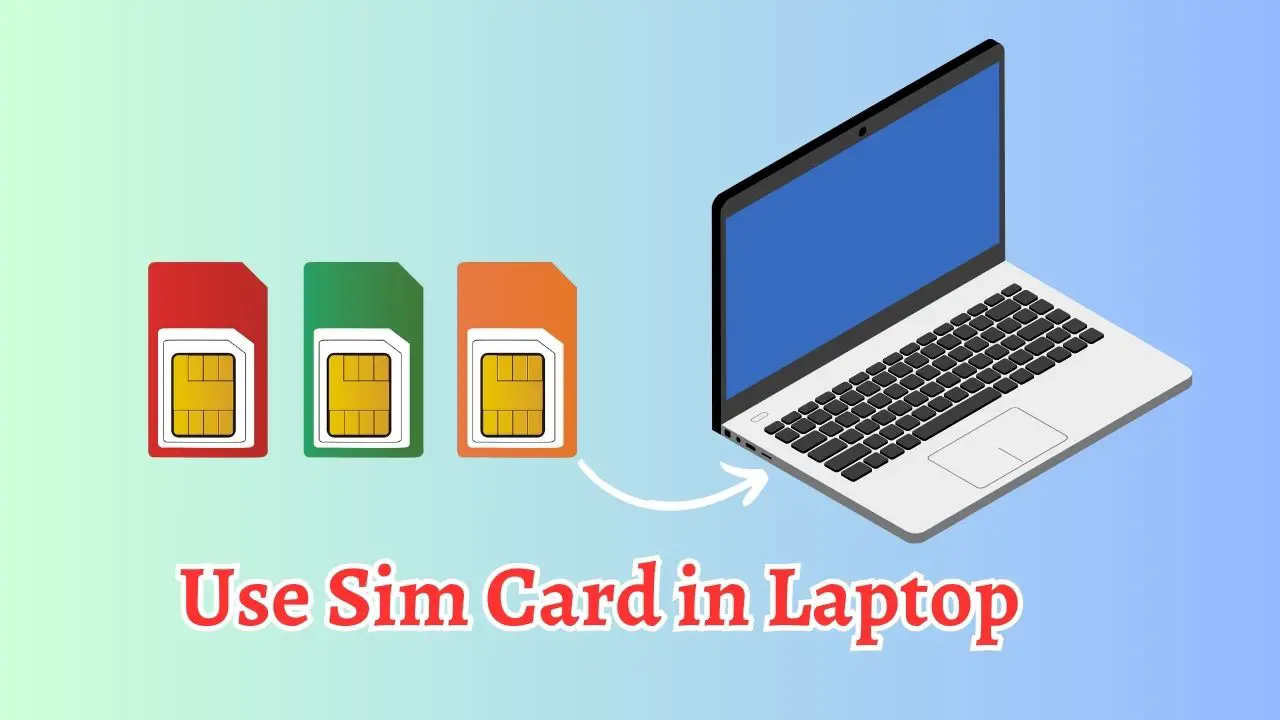
Mobile connectivity on your laptop makes work and travel much easier. Instead of searching for Wi-Fi or tethering through your phone, you can insert a…