Windows Search Showing a Blank or Transparent Window [Easy Fixes]
When the Windows Search bar opens but displays no content, it usually indicates that the search interface or backend service is not functioning correctly. The…

When the Windows Search bar opens but displays no content, it usually indicates that the search interface or backend service is not functioning correctly. The…
The Microsoft.Windows.Search package is a built-in system component responsible for managing indexing and search operations. When this package becomes corrupted or improperly registered, it can…
High CPU usage typically occurs when a process or application consumes excessive processing power. This could be due to system services like Windows Update, third-party…
Enabling Copilot in Notepad allows users to perform tasks like rewriting text, summarizing paragraphs, adjusting tone, and generating content directly within Notepad. However, it is…
The missing battery icon issue in Windows 11 can arise due to system settings misconfiguration, temporary bugs, or driver-related problems. In some cases, the icon…
Enabling AI features in your Windows 11 device means integrating AI into several parts of the operating system, including productivity tools, accessibility features, search, and…
Creating a system restore point is one of the safest ways to protect your computer from unexpected issues. Whether you are installing new software, updating…

The Recall feature works by continuously taking snapshots of your screen activity and storing them locally. These snapshots are then indexed using AI, allowing users…

Unlike CPU and GPU resource allocation, Windows 11 does not currently provide a direct setting to manually assign NPU usage to specific apps. This is…
The Clipboard Sync feature in Windows 11 is designed to store and synchronize your copied content, such as text, images, and links, across devices connected…
When your camera shows a blocked or turned off message, it usually means that Windows privacy controls are preventing access. Microsoft introduced strict privacy settings…
The “Can’t read from the source file or disk” error in Windows 11 is a frustrating issue that usually appears when you try to copy,…
VRAM, or Video Random Access Memory, is a special type of memory used by your graphics processing unit (GPU). It stores textures, images, and graphical…
If your Microsoft Word quits in Windows 11 and reopens with fewer files, then it might be facing some internal glitch or needs to be…
In Windows 11, the taskbar is tied to the primary display. This means you cannot simply drag and drop it to another screen as you…
Unlike smartphones, Windows laptops rely heavily on manufacturer-level controls for battery optimization. The operating system itself focuses on power usage, not charge thresholds. Therefore, limiting…
Managing a growing collection of digital images on Windows 11 can become complex without proper tools. Photos often get scattered across folders, downloads, and devices,…
If your HDMI connection keeps disconnecting and reconnecting on Windows 11, it can quickly turn into a frustrating experience. When your HDMI connection becomes unstable,…
Enabling Nvidia Resizable BAR on Windows 11 or Windows 10 can provide noticeable performance improvements, especially in modern games that support the feature. Modern graphics…
In Windows 11, RSAT is no longer available as a separate download from Microsoft’s website. Instead, it is included as part of the Features on…
When your camera does not appear in Device Manager, it means that Windows is unable to detect the hardware properly. This could happen for multiple…
![Windows Update Error 0x80244022 [Fix]](https://gadgetsnurture.com/wp-content/uploads/2026/03/Windows-Update-Error-0x80244022-Fix.jpg)
The error code 0x80244022 is commonly associated with a WU_E_PT_HTTP_STATUS_SERVICE_UNAVAIL issue, which means the update service is temporarily unavailable or unreachable. This does not always…
The “Run as administrator” feature in Windows 11 is part of the User Account Control system, commonly known as “UAC”. This system protects your computer…
Changing the language in Windows 11 involves installing a new language pack and setting it as the primary display language. A language pack contains translated…

Adding DuckDuckGo to your taskbar is not done directly from Windows settings. Instead, it involves creating a browser-based shortcut and then pinning that shortcut to…
When you upgrade your system to Windows 11, the operating system automatically creates a folder named Windows.old. It is stored in the C drive and…
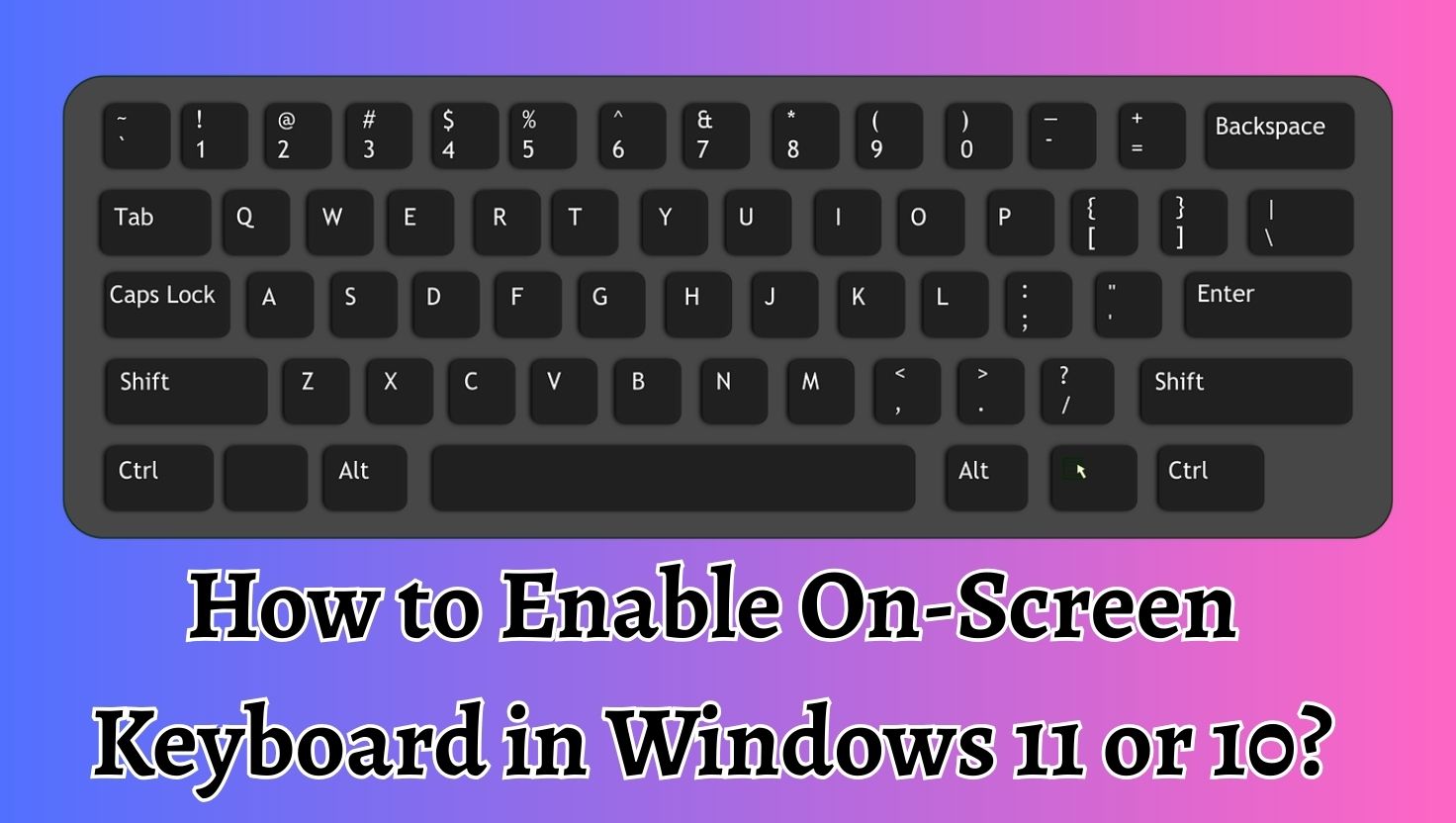
The On-Screen Keyboard (OSK) is a virtual keyboard that appears on the display included with Microsoft Windows, allowing users to input text without using a…
When you install Windows 11 or Windows 10, the desktop usually appears very clean and minimal. Many users notice that the “This PC” icon is…
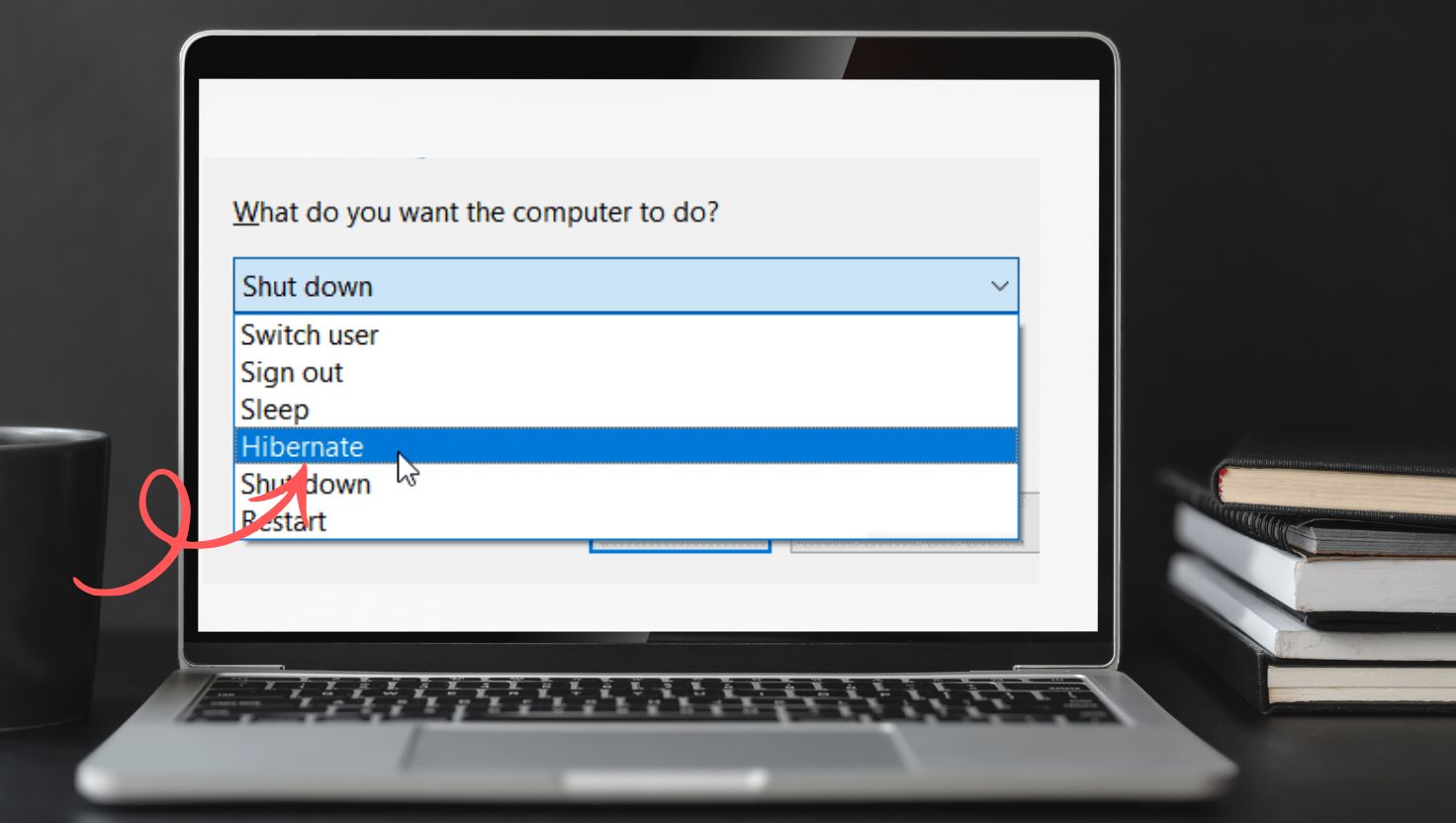
The Hibernate feature in Windows 11 works by saving the entire contents of your system memory (RAM) to a file stored on your hard drive…

The Windows key is one of the most useful keys on a keyboard. It allows users to quickly open the Start menu, launch shortcuts such…

The Voice Typing feature in Windows 11 allows users to dictate text instead of typing manually. It uses Microsoft’s speech recognition technology to analyze spoken…

The error “We couldn’t find a fingerprint scanner compatible with Windows Hello” can prevent you from using the convenient fingerprint login feature in Windows. Windows…

Installing the audio driver in Windows 11 is a simple but essential process that ensures your computer’s sound hardware functions correctly. Audio drivers allow the…

When upgrading or updating Windows 11, many users encounter an error message that says “We couldn’t update the System Reserved Partition.” This issue usually appears…
People use a second monitor with their computer to improve productivity and workflow. Many professionals, gamers, designers, and office workers rely on dual-monitor setups to…
Windows Hello is a powerful authentication system in Windows 11 that allows users to log in using biometric recognition or a PIN instead of typing…

Disabling a keyboard key in Windows 11 or Windows 10 can be useful for many reasons. It can prevent accidental key presses, improve gaming performance,…

The taskbar in Windows 11 is an essential navigation tool, but some users prefer a cleaner and more spacious desktop interface. Fortunately, Windows 11 includes…
Installing Windows without a CD drive mainly relies on a USB installation media. Microsoft provides an official tool called the Media Creation Tool that allows…

User Account Control (UAC) is a built-in Windows security mechanism that helps prevent unauthorized modifications to your operating system. It works by prompting users for…

Knowing the exact DDR type installed in your computer is essential if you plan to upgrade RAM, replace faulty memory, or check compatibility with your…

Knowing what processor (CPU) your computer has is important for understanding your system’s performance and compatibility with software. The processor controls how efficiently your computer…
Installing Kodi on a Windows 11 or Windows 10 PC is a quick and simple process that takes only a few minutes. By downloading the…

Enabling Network Discovery in Windows 11 involves adjusting network sharing settings that control how your device communicates with other computers. The process mainly requires accessing…
When you right-click a file in Windows and open the Send to menu, the system displays a list of shortcuts stored in a special directory…

The process of disabling Smart App Control in Windows 11 is relatively simple, but it is important to understand how the feature works before turning…
Installing and using AWS CLI on Windows 11 is a simple process that enables powerful command-line control over AWS services. Instead of relying solely on…

The “Headphones not working with Virtual Machine” issue is a common problem that occurs due to configuration errors or missing drivers. Because virtual machines rely…

The “We couldn’t find a camera compatible with Windows Hello Face” error usually occurs when Windows cannot detect the required infrared camera or when system…
When a Windows computer stops producing sound, it usually indicates a configuration problem rather than a major hardware failure. Several factors can cause the No…
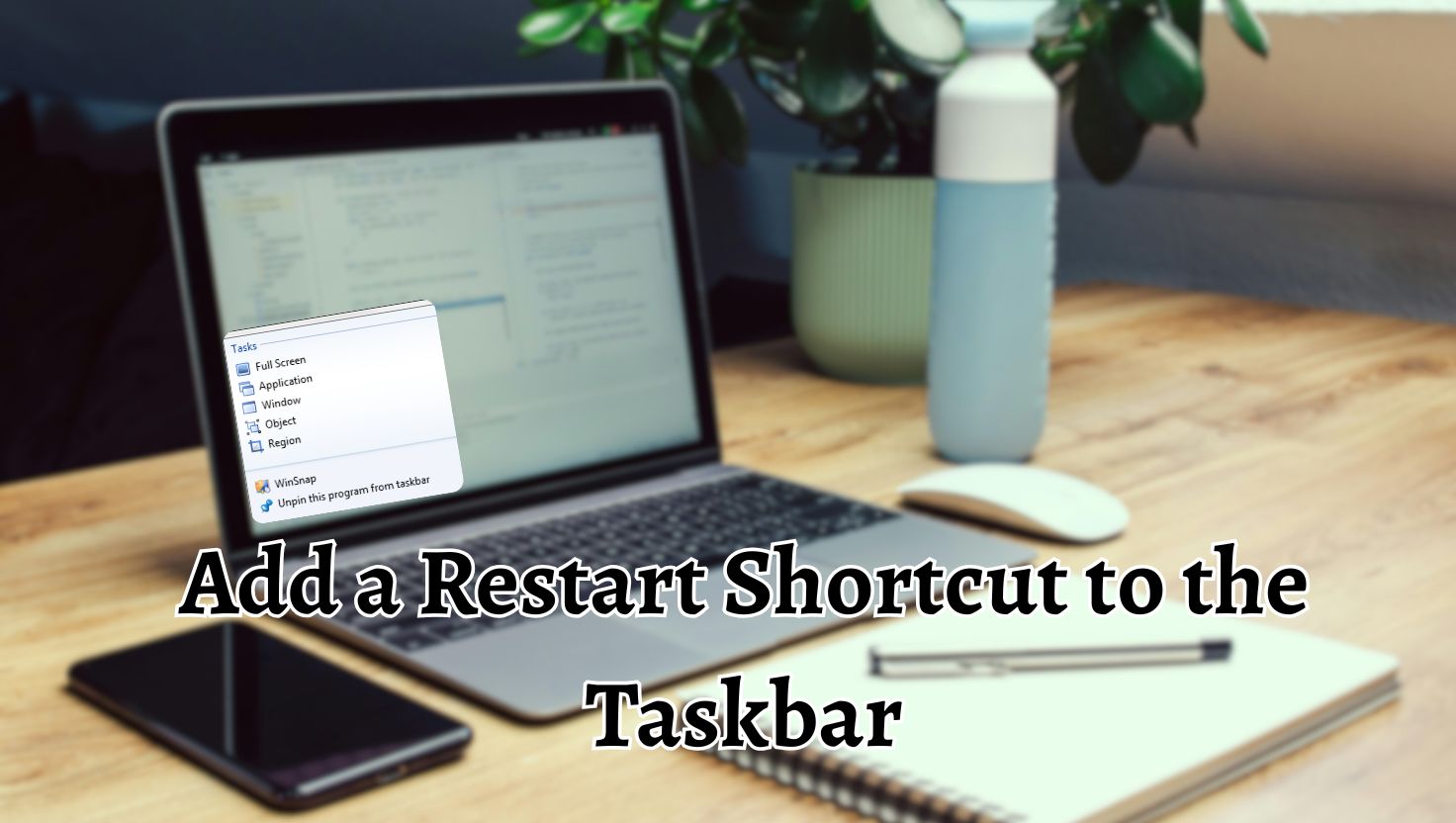
Adding a Restart shortcut to the taskbar in Windows 11 is a quick and effective way to improve system accessibility. Instead of navigating through the…

Installing the Realtek Audio Driver Console on Windows 11 or Windows 10 allows users to access advanced sound settings and improve their overall audio experience….
![How to Check My Graphics Card [Windows 11 or 10]](https://gadgetsnurture.com/wp-content/uploads/2026/03/How-to-Check-My-Graphics-Card-Windows-11-or-10.jpg)
Knowing how to identify your graphics card can help you perform several important tasks. For example, when installing a new game or professional software, the…

Every computer contains a motherboard identification code that describes the manufacturer, model number, and version of the board. This information is stored in the system…
Whether you want to install new software, play a game, troubleshoot performance issues, or upgrade hardware, understanding your system specifications helps you make the right…
If you are one of those users who value privacy or simply want a clean workspace, learning how to clear Copilot history in Edge on…

The Local Passcode Lock in Telegram is a security feature that protects the Telegram desktop application itself. It is different from the password you use…

External storage devices such as USB flash drives, external hard drives, and portable SSDs are widely used to transfer and store data on computers. These…
![How to Install and Use the Codex App on Windows 11 [PC or Laptop]](https://gadgetsnurture.com/wp-content/uploads/2026/03/How-to-Install-and-Use-the-Codex-App-on-Windows-11-PC-or-Laptop.jpg)
If you are using Windows 11, installing and using the Codex app can significantly improve your development workflow. Whether you are a beginner learning programming…

The System Locale setting in Windows 11 controls the language environment used by non-Unicode programs. These programs rely on older character encoding systems instead of…